
The iPhone teleprompter app for video recording
Your script scrolls next to the camera, follows your voice, and never shows up in the video.
Free to download · iPhone & iPad · No account
20,000+ videos recorded with Cue
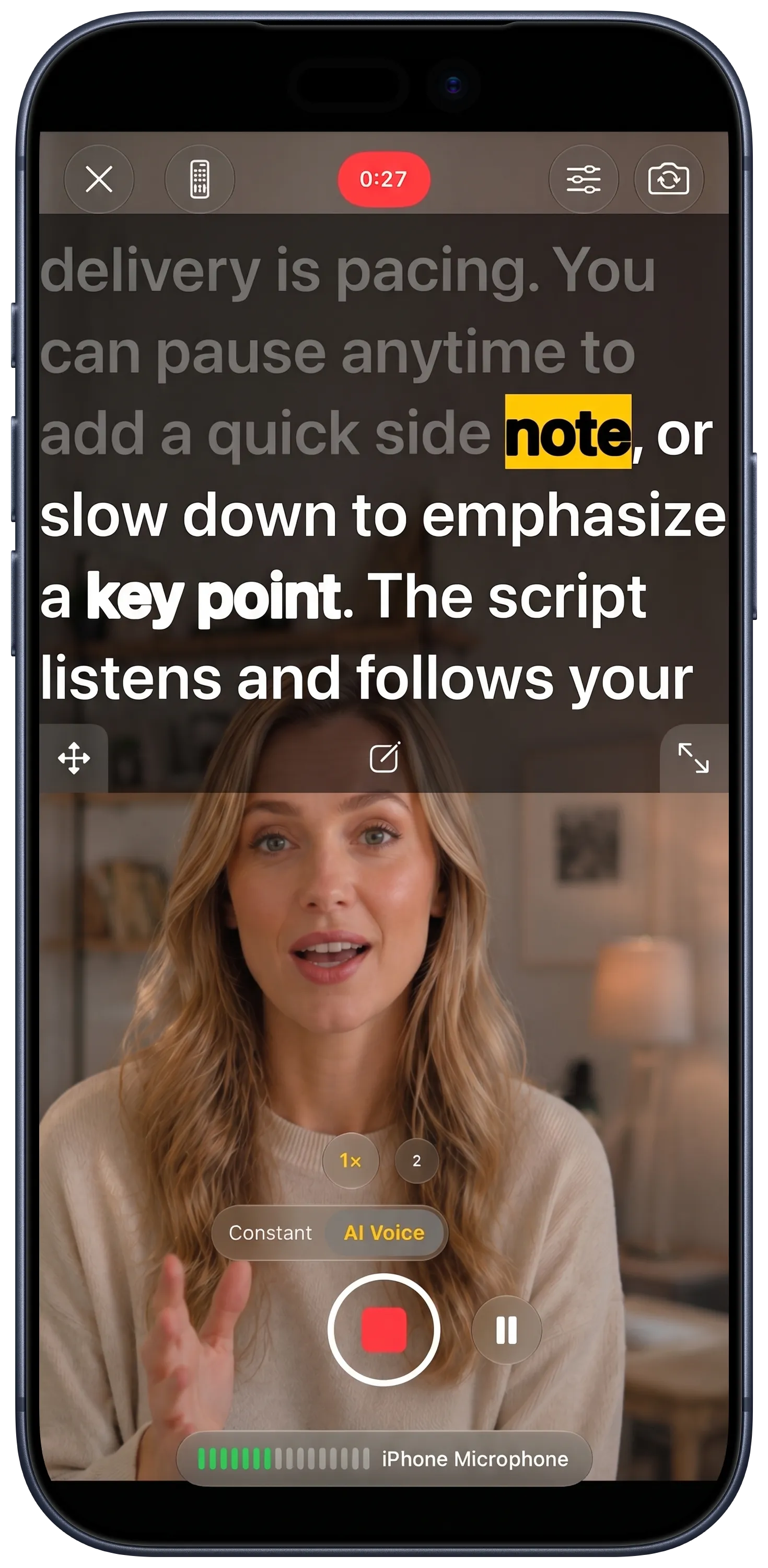
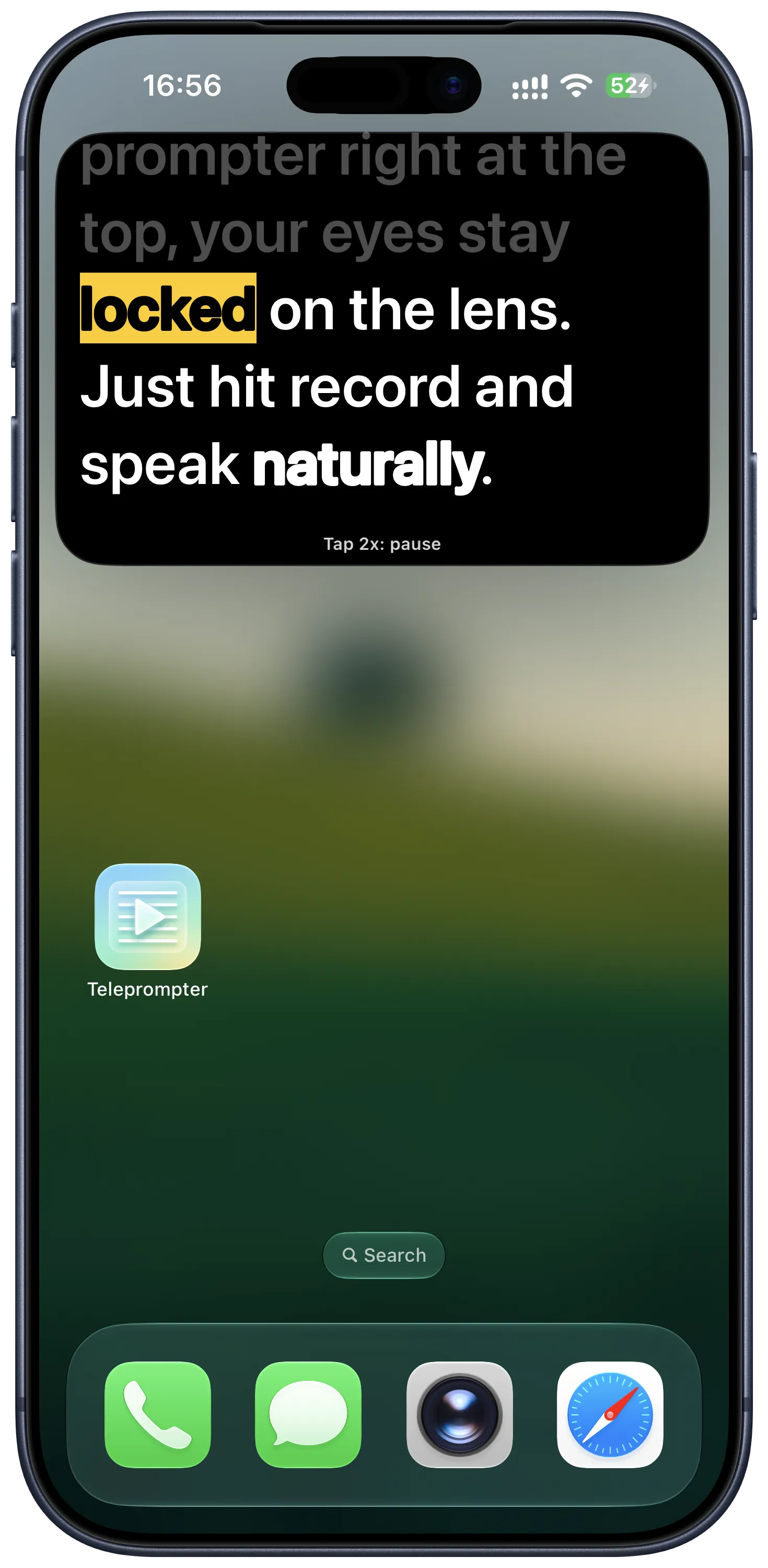
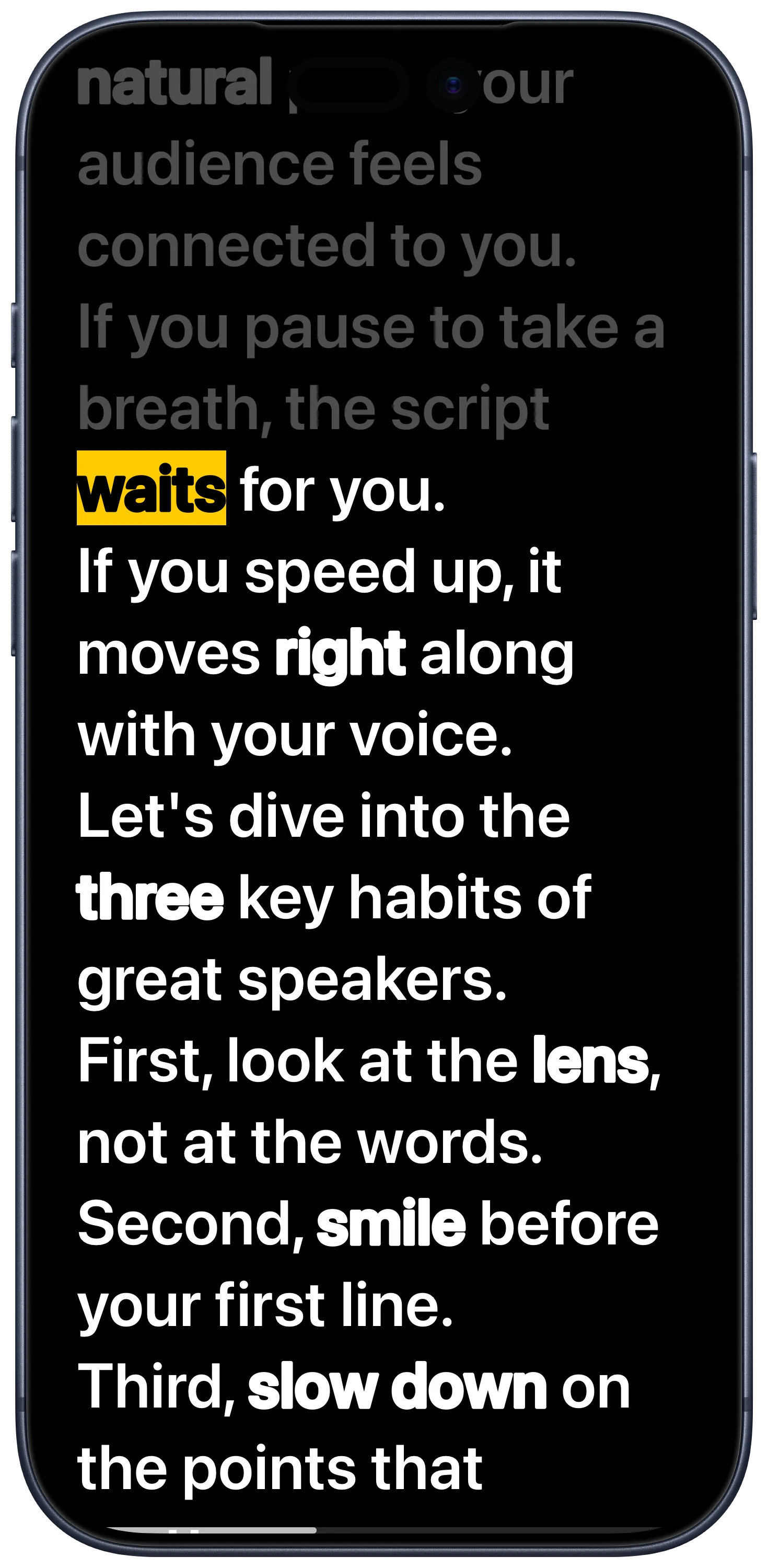
Record yourself while the script scrolls by the lens
A teleprompter with a camera built in
Talking-head videos, product demos, lessons, a speech you want to practise. If you have to say it to a camera, Cue holds the words for you.
-
Paste your script
From Notes, a doc, or your computer over Wi-Fi. Bold the words you want to stress.
-
Choose how it scrolls
A steady speed you set, or voice follow, which moves when you talk and waits when you stop.
-
Record
In Cue at up to 4K 60fps, or over TikTok, Instagram or Zoom with the floating window.
Everything you need in one app
Tap a feature to see it on the phone. These are real screens from the iPhone app. Tap a feature, or swipe the phone.
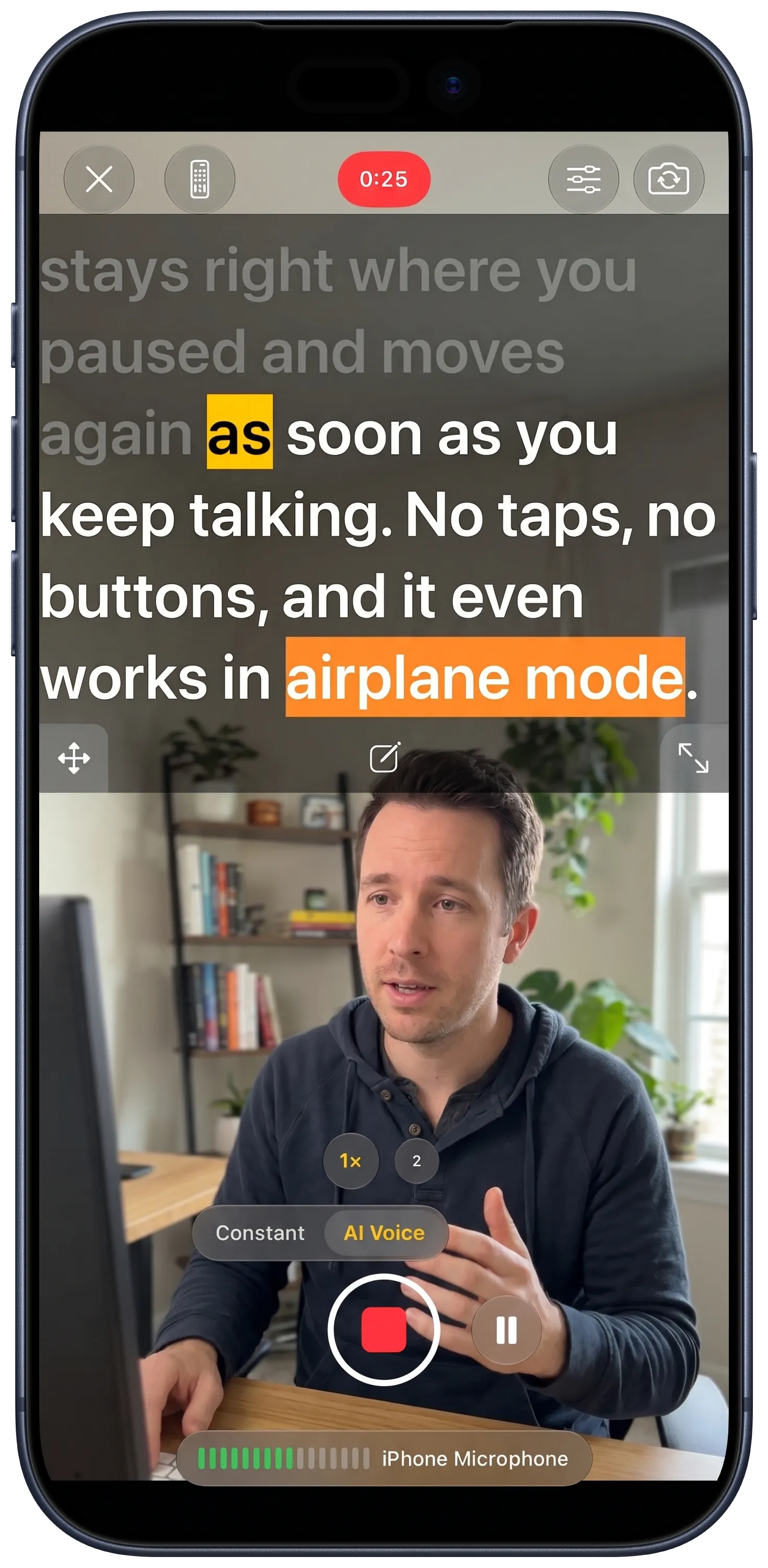
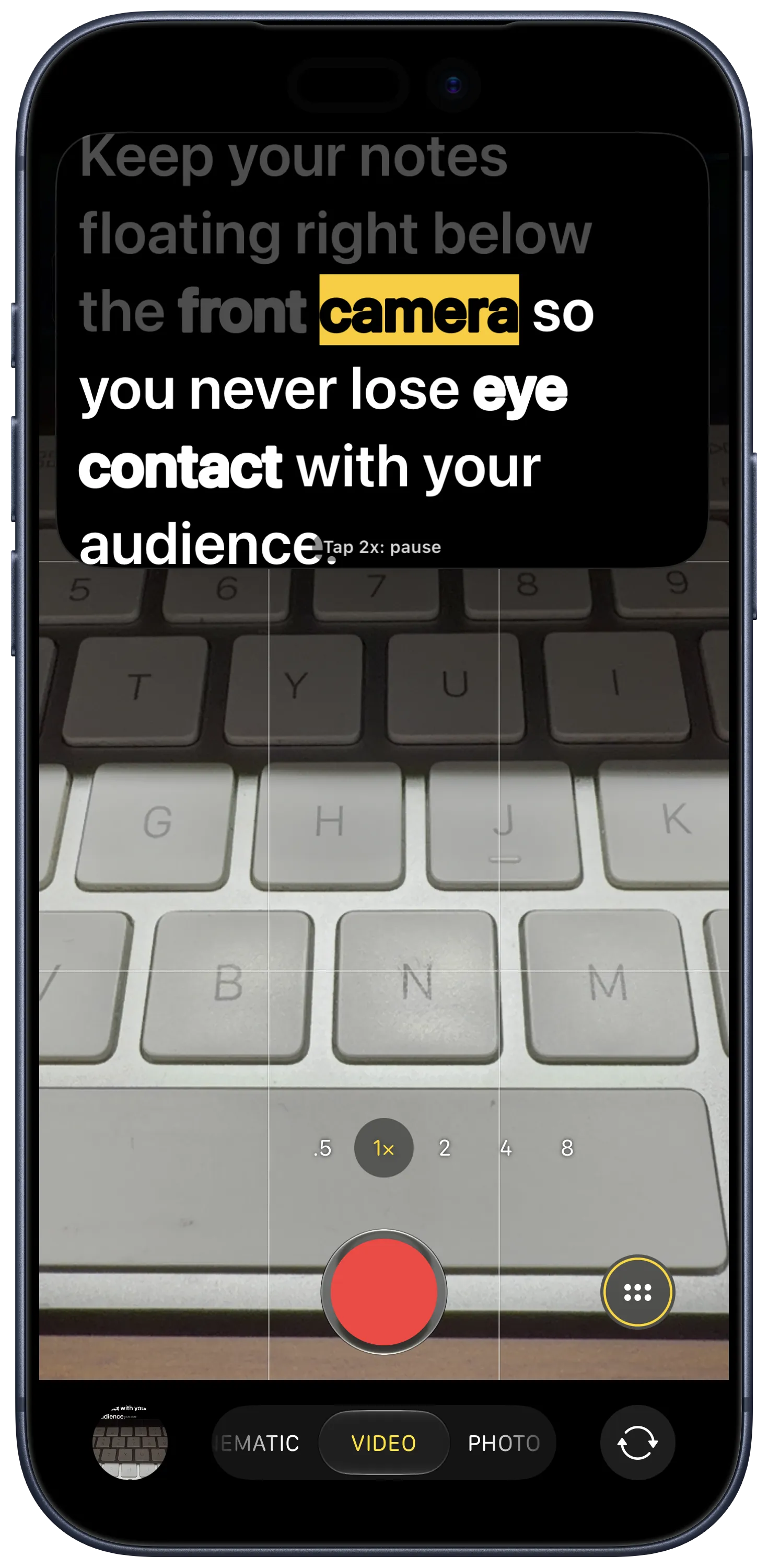
Keeps the script on top of TikTok, Instagram or Zoom while you film there.
How the floating window works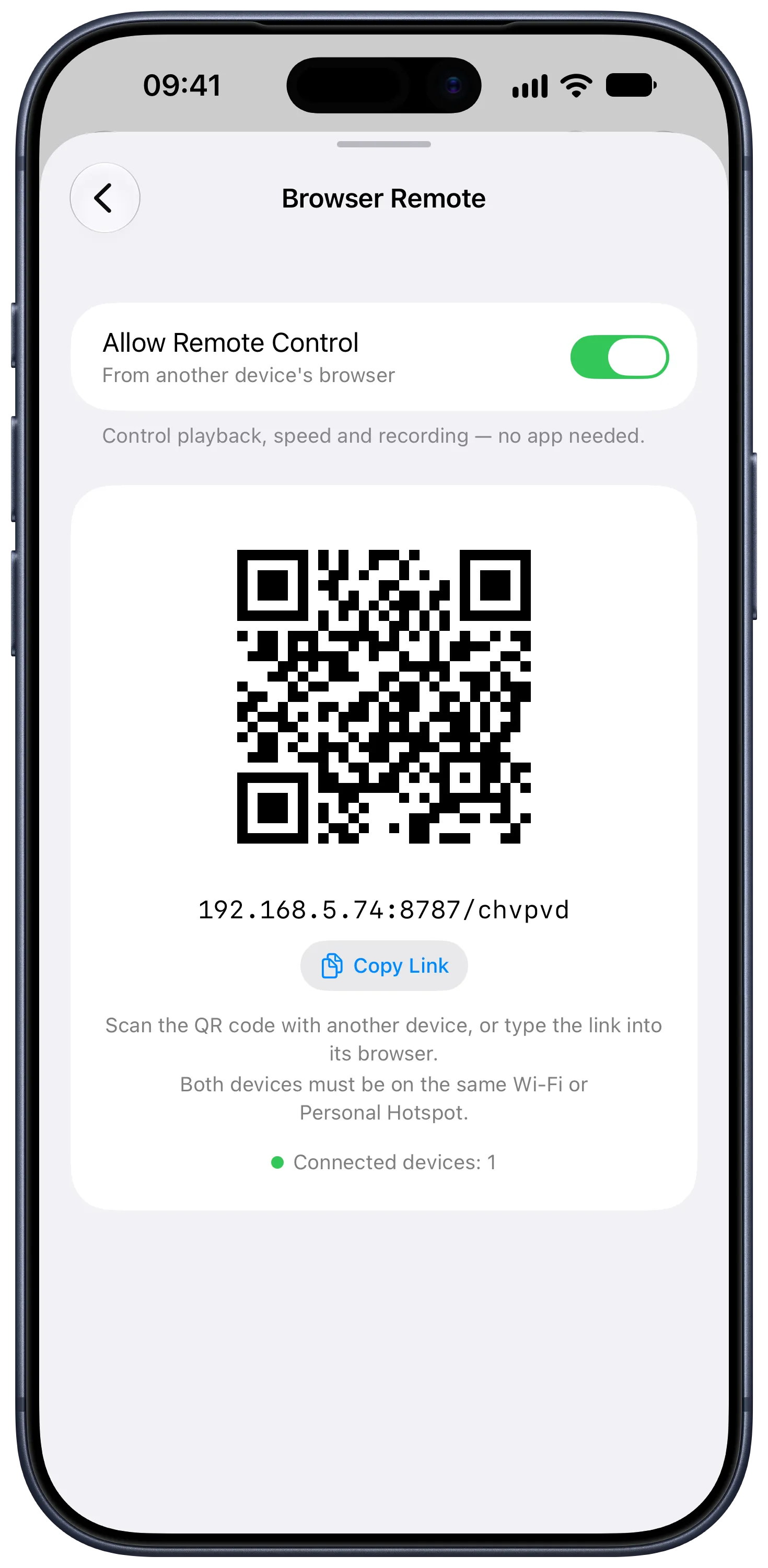
A second phone or a laptop browser becomes the remote. Same Wi-Fi, nothing to install.
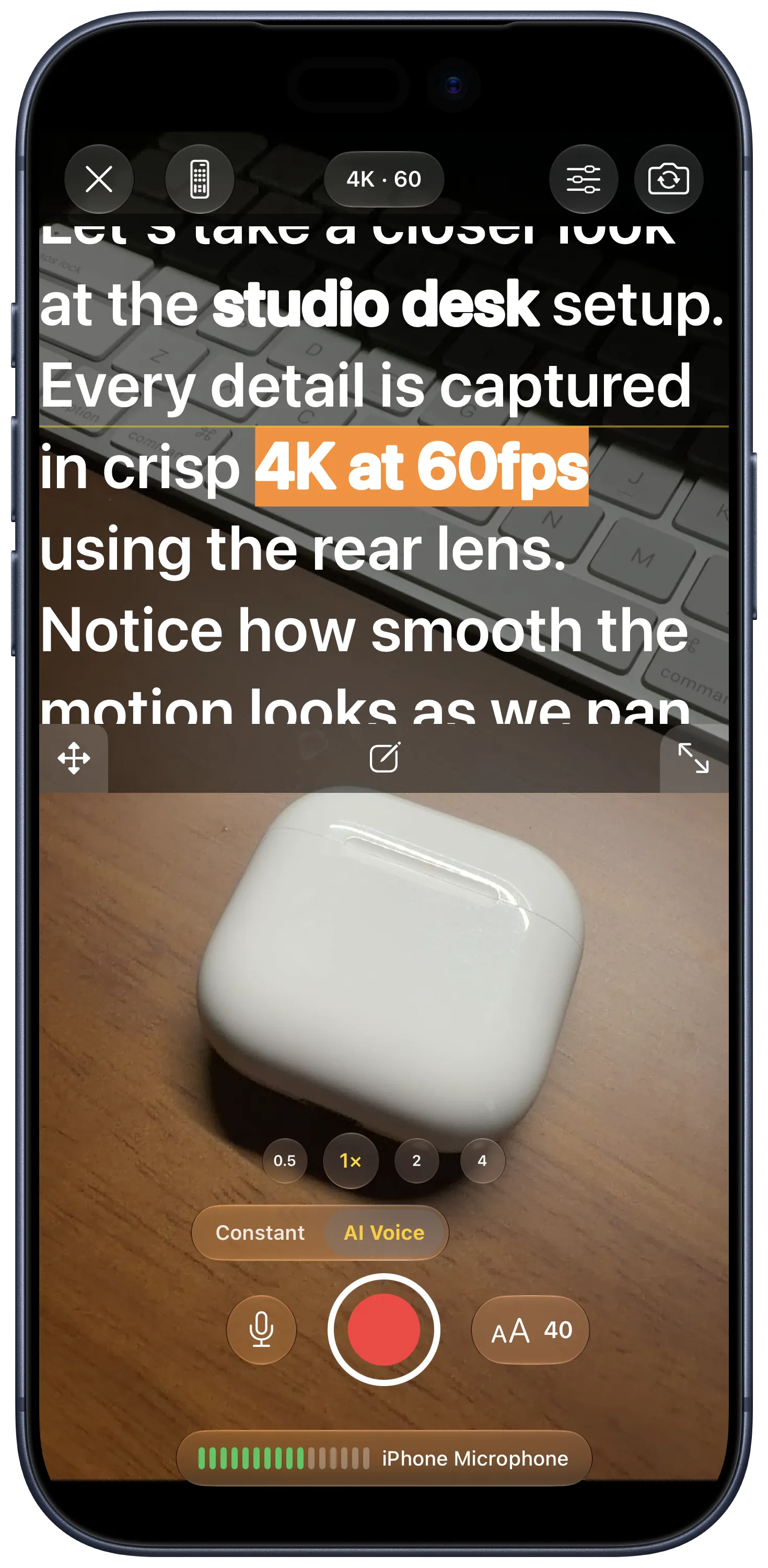
Front or back camera, up to 60fps. No watermark.
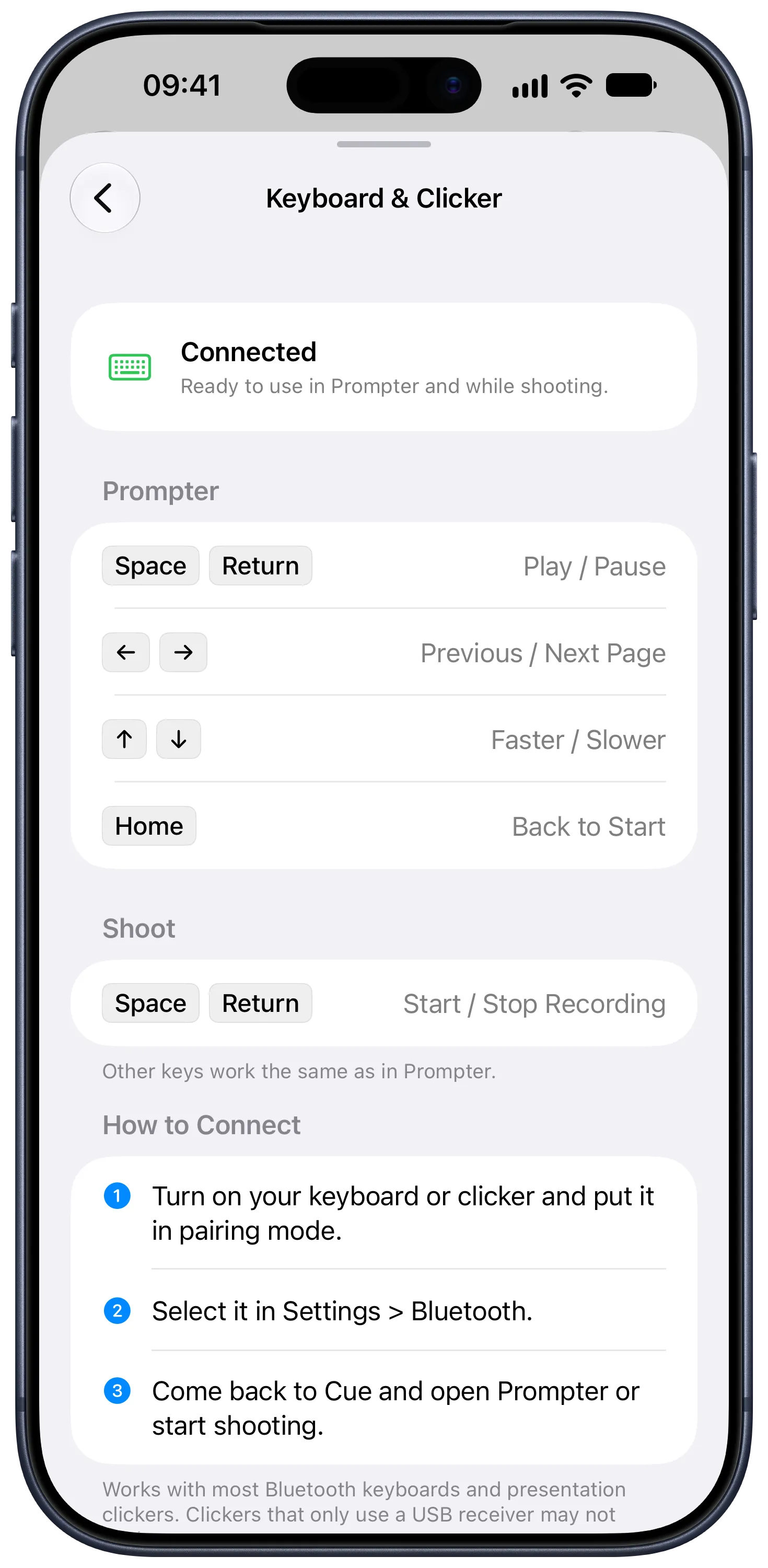
Play, pause and change speed from a Bluetooth keyboard or presentation clicker.
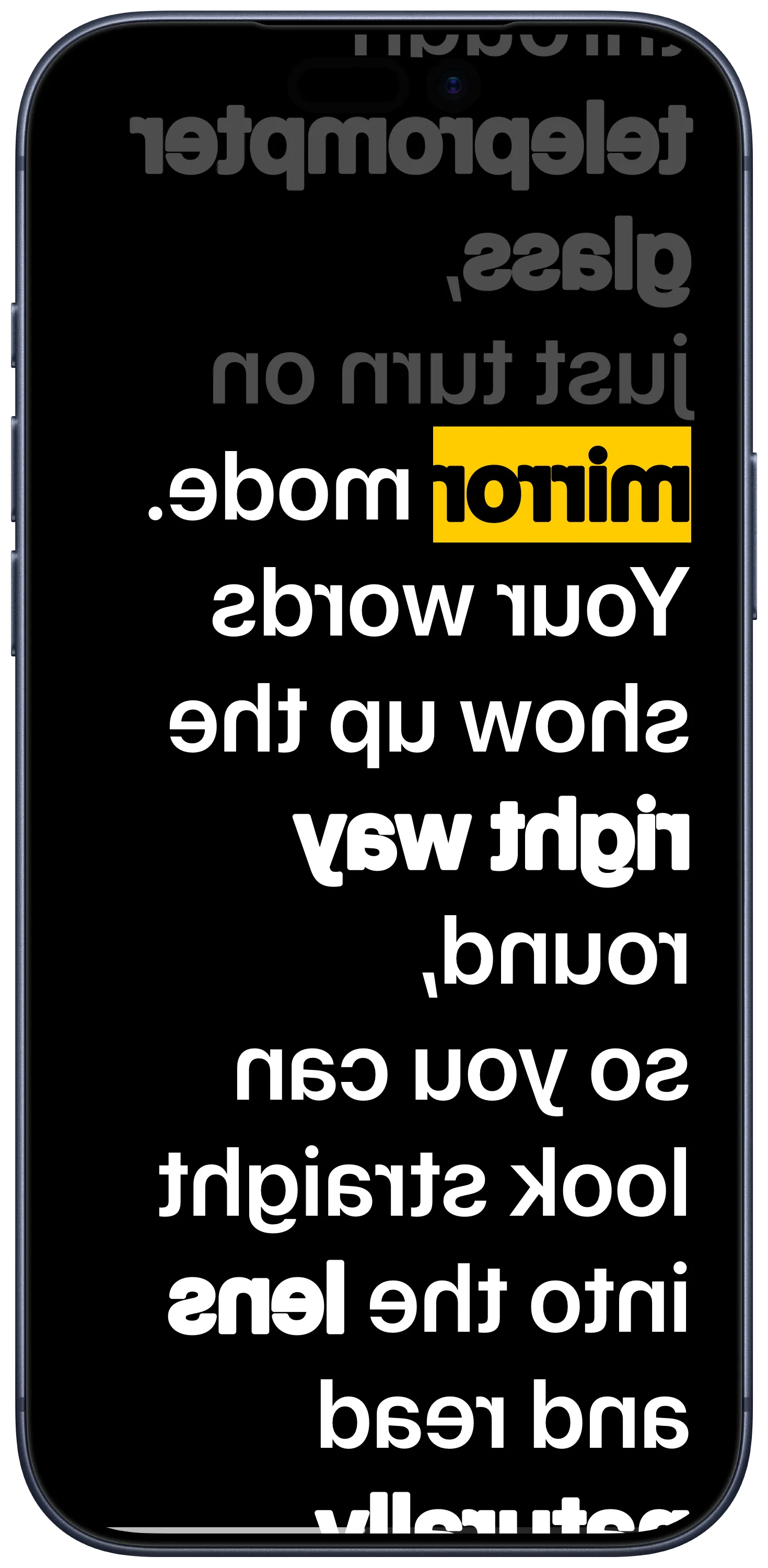
Flip the text so it reads correctly through teleprompter glass.
Guides for reading on camera
How to use a teleprompter without sounding like you are reading, and which setup fits the way you film.
Common questions
Is there a watermark or script text in my video?
No. Recordings have no watermark, and the script is only drawn on your screen. The camera records you, not the text.
How do I keep eye contact with the camera?
Drag the script window up next to the front camera and keep it narrow, so your eyes only move a little. Turn the font size up and hold the phone at arm's length or put it on a tripod. From that distance the movement isn't visible in the recording.
Can I use Cue while filming in another app?
Yes. Start the floating prompter and the scrolling window stays on top of your camera app, TikTok, Instagram or Zoom.
Does it work with a real camera or teleprompter hardware?
Yes. Mirror mode flips the text so it reads correctly through teleprompter glass, and an iPad running Cue works well next to a real camera.
Do I need an account?
No. There is nothing to sign up for. Your scripts stay on your device and can sync through your own iCloud.
Is Cue available on iPad?
Yes. One download covers iPhone and iPad, and the bigger screen is easier to read from.